Why Host a Tech Intern?
Hosting a SYEP tech intern creates a mutually beneficial experience — interns gain real-world skills and you gain fresh perspectives, expanded capacity, and a pipeline of diverse future talent.
Benefits to Your Organization
- Fresh perspectives and innovative ideas on real projects
- Expanded project capacity at no direct labor cost
- Early access to NYC's diverse talent pipeline
- Strengthen community ties & corporate social responsibility
- Develop leadership skills in your team as supervisors
- Support DYCD's mission to connect youth to opportunity

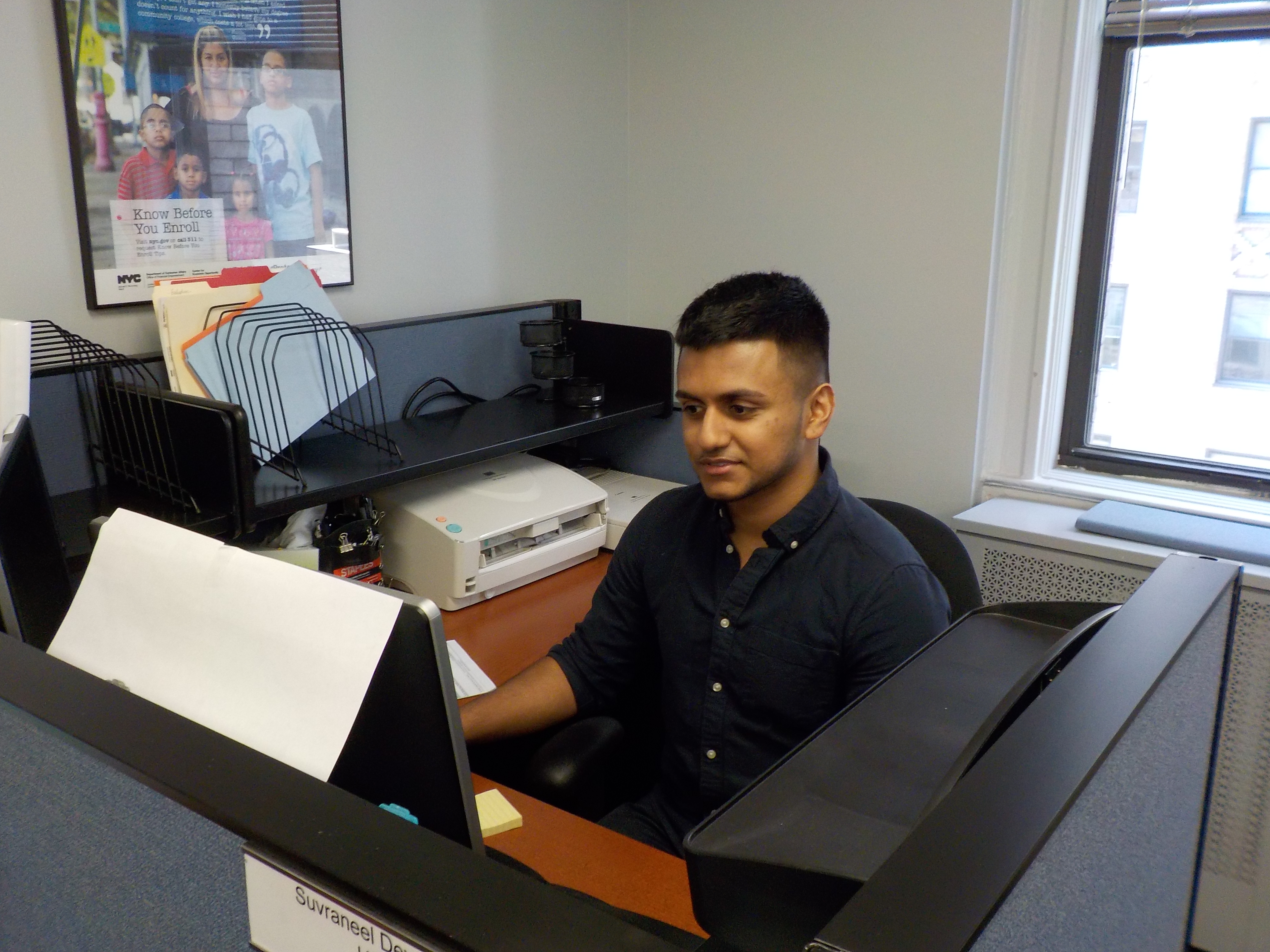
Portrait of a SYEP Tech Intern
Who They Are
- NYC high school students, ages 16–21
- Enrolled in SYEP via DYCD programs
- Tech-curious and motivated to learn
- Varying levels of prior tech exposure
- Supported by a DYCD-funded SYEP provider
What They Bring
- Curiosity and creativity in approaching new challenges
- Emerging critical thinking and problem-solving skills
- Developing communication skills across diverse environments
- Unique perspectives and lived experiences
What They Need
- Clear structure and onboarding
- Dedicated supervisor for 1:1 check-ins
- Authentic, meaningful project work
- Regular feedback and encouragement
- Safe, professional environment
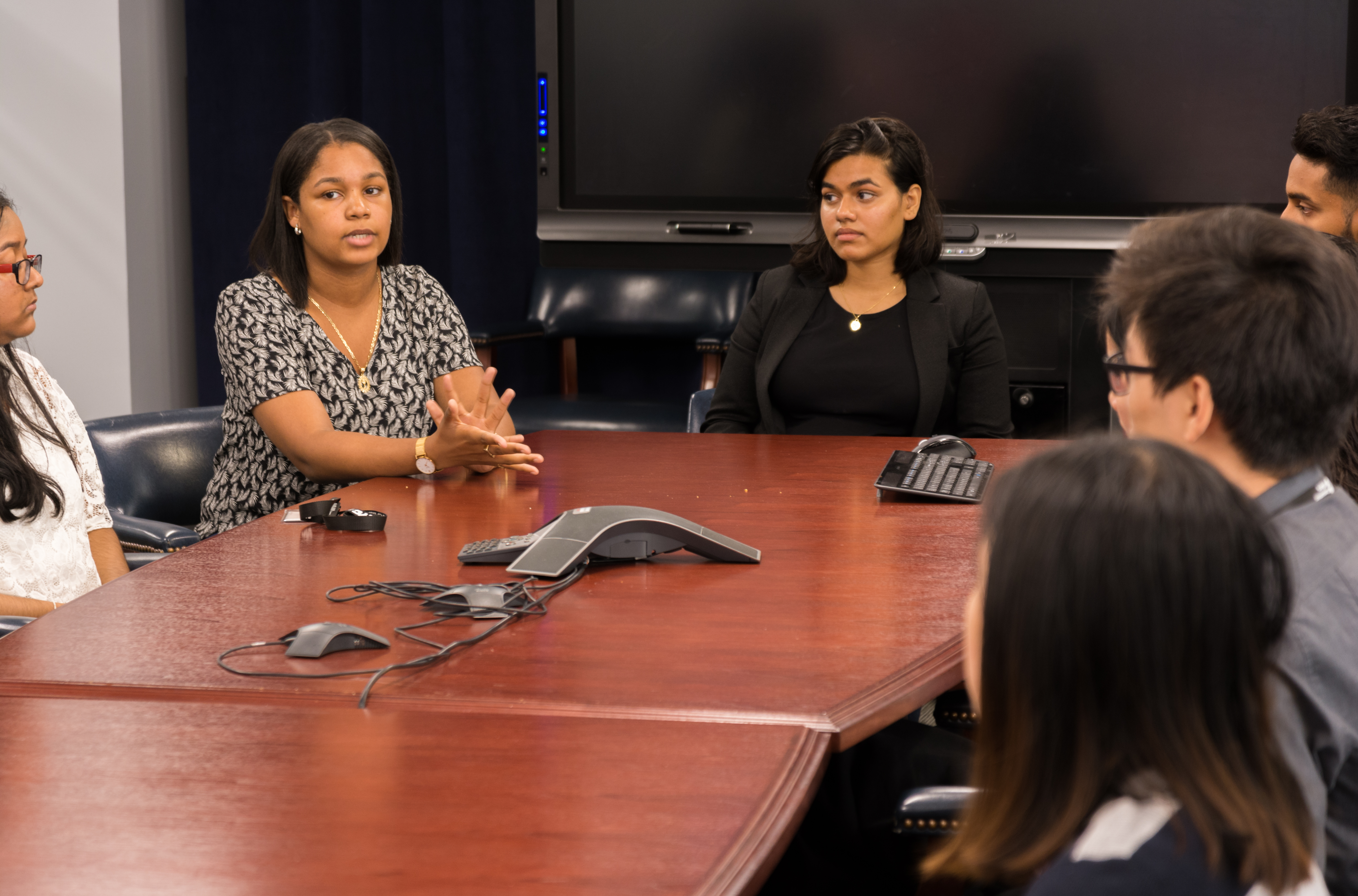

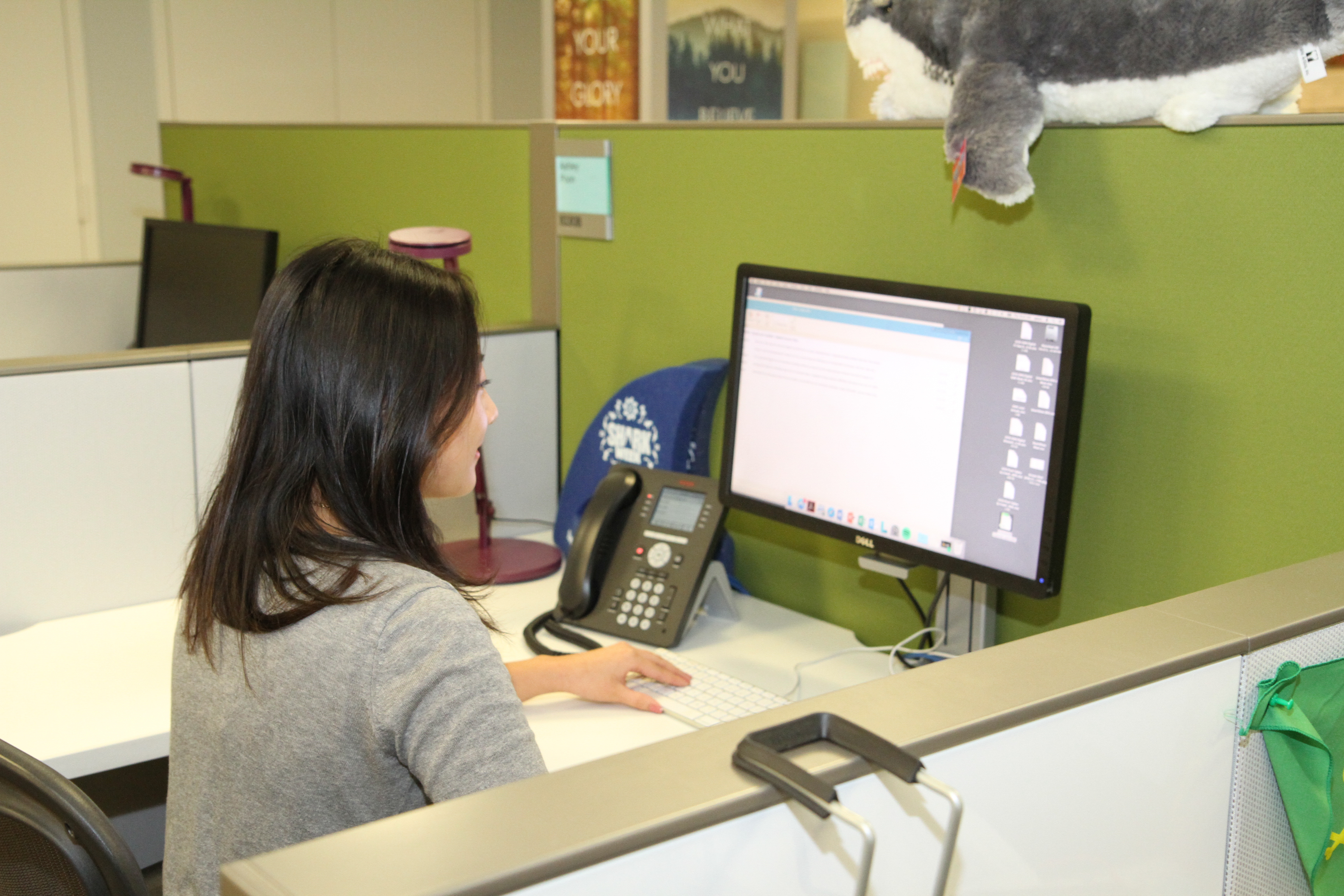
The 6-Week Journey
- Onboarding & company overview
- Meet the team & org culture
- Orientation to tools & systems
- Introduction to internship project
- Set goals & learning objectives
- Complete DYCD compliance docs
- Establish norms and expectations
- Tour facilities / shadow staff to observe day-to-day workplace operations
- Deep dive into project work
- Research, data collection, prototyping
- Apply technical skills to real problem
- Collaborative team work sessions
- Receive & incorporate feedback
- Mid-program check-in with supervisor
- Skill-building workshops (as available)
- Iterate on tasks using feedback
- Finalize project deliverables
- Prepare final presentation
- Practice presenting to peers
- Refine based on feedback
- Document findings and process
- Personal reflection journal
- What did I learn? What challenged me?
- How have my skills grown?
- What would I do differently?
- Career pathway exploration
- Identify mentors & next steps
- What tasks did I complete for the organization and what was the impact?
- Final presentation to leadership
- Demo or showcase deliverables
- Receive formal evaluation + feedback
- Celebrate accomplishments
- Complete exit survey (DYCD)
- Weekly 1:1 check-in notes
- Timesheets (DYCD compliance)
- Mid-program reflection
- Final project + presentation
- Evaluation rubric
- Exit survey + certificate
- Reflection on tasks completed for the organization
Weekly Schedule & 25-Hour Breakdown
Interns work 25 hours per week. Below is the recommended daily structure. Supervisors should customize based on project needs while maintaining the core learning structure.
| Time Block | Monday | Tuesday | Wednesday | Thursday | Friday |
|---|---|---|---|---|---|
| 9:00–9:30am | Morning Stand-up | Morning Stand-up | Morning Stand-up | Morning Stand-up | Morning Stand-up |
| 9:30–11:30am | Skill Building / Training | Project Work Block | Collaborative Workshop | Project Work Block | Presentation Practice |
| 11:30–12:30pm | Lunch Break | ||||
| 12:30–2:30pm | Project Work / Research | 1:1 Check-In (rotate) | Guest Speaker / Site Tour | Project Work / Research | Weekly Wrap-Up + Reflection |
| 2:30–3:00pm | Documentation / Journal | Documentation / Journal | Documentation / Journal | Documentation / Journal | Goal-Setting for Next Week |
Weekly Hours Breakdown
Technical Skills Framework

Interns are exposed to foundational and applied technical skills organized into four core tracks. Projects should target skills across multiple tracks.
🔐 Cybersecurity
- Threat analysis fundamentals
- Login/access data review
- Incident documentation
- Risk identification & classification
- Data privacy concepts
- Tabletop exercise facilitation
📊 Data Analytics
- Spreadsheet analysis (Excel/Sheets)
- Data cleaning & organization
- Chart and graph creation
- Dashboard building (Tableau/Power BI)
- Data storytelling
- Insight presentation
⚙️ Workflow Automation
- Process mapping
- Zapier / Make.com basics
- Google Apps Script
- Automation trigger design
- Testing & debugging
- Efficiency measurement
🖥️ Web & Coding
- HTML/CSS fundamentals
- Basic Python / JavaScript
- GitHub & version control
- No-code tool exploration
- UI/UX prototyping
- Technical writing
Example project tracks & applications
Employers are encouraged to design projects aligned to their organization's work, using these examples as a starting point.
Workplace & Professional Skills

Beyond technical skills, SYEP interns develop essential professional competencies. Supervisors play a key role in modeling and reinforcing these behaviors.
| Portrait of a Graduate competency | What it looks like in the internship |
|---|---|
| Effective Communicator | Daily stand-ups, written updates, presentations to leadership; listening actively and adapting communication for different audiences |
| Global Citizen | Collaborating across differences; demonstrating empathy and cultural awareness; understanding diverse workplace perspectives |
| Critical Thinker | Analyzing project data, evaluating options, developing reasoned recommendations; peer review and retrospectives |
| Creative Innovator | Approaching challenges with curiosity; generating solution ideas; iterating on work based on supervisor feedback |
| Reflective / Future Focused | Weekly reflection journals; goal-setting with supervisor; exploring tech career pathways and next steps |
Supervision & Implementation Tools
Supervision Best Practices
- Prepare a structured onboarding plan for Week 1
- Set up workstation, accounts, and tool access
- Identify a backup supervisor in case of absence
- Brief your team on hosting a high school intern
- Review DYCD guidelines and compliance requirements
- Conduct weekly 1:1 check-ins using the template
- Provide specific, actionable feedback regularly
- Give interns real project ownership — not busy work
- Introduce interns to professionals across the org
- Track attendance and sign timesheets weekly
- Contact program coordinator if issues arise
- Strengths first: Start with what's working well
- Be specific: "Your chart was clear because..." not "good job"
- Growth-oriented: Frame challenges as opportunities
- Action-focused: Always include a next step
- Regular cadence: Don't save everything for Week 6
Recommended Digital Tools
| Category | Tools |
|---|---|
| Productivity | Google Workspace, Microsoft 365 |
| Project Mgmt | Trello, Notion, Asana |
| Communication | Slack, Google Meet, Zoom |
| Data Analysis | Excel, Google Sheets, Tableau Public |
| Automation | Zapier, Make.com, Apps Script |
| Design | Canva, Google Slides, PowerPoint |
| Version Control | GitHub (free public repos) |
Compliance & Documentation

Onboarding Checklist
- ☐ Review and sign DYCD participation agreement
- ☐ Receive workstation / device assignment
- ☐ Set up company email and required accounts
- ☐ Tour the office and meet team members
- ☐ Review internship project brief and goals
- ☐ Sign technology use and confidentiality agreement
- ☐ Set Week 1 goals with supervisor
Required Documentation
| Document | Due |
|---|---|
| Weekly Timesheets | Every Friday |
| Attendance Log | Daily |
| Mid-Program Evaluation | End of Week 3 |
| Final Evaluation Rubric | End of Week 6 |
| Incident Reports | Within 24 hrs |
- Interns must not be left unsupervised at any time
- No task may put an intern's physical safety at risk
- Zero tolerance for harassment, bullying, or discrimination
- Interns may not handle sensitive client/financial data without oversight
- All incidents must be reported to DYCD within 24 hours
Weekly 1:1 Check-In Template

Use this template for your weekly one-on-one meetings. Meetings should be 20–30 minutes, in a private space. The intern leads — your role is to listen, guide, and support.
📋 Meeting Logistics
⭐ Wins & Accomplishments This Week
What are you most proud of this week?
🚧 Challenges & Blockers
What has been difficult? What do you need help with?
📊 Skill Self-Rating
Rate yourself honestly — 1 = Needs Work, 5 = Excellent
🎯 Goals for Next Week
Set 2–3 specific, measurable goals for the coming week.
💬 Intern Feedback to Supervisor
Is there anything you need more support with? Any questions or concerns?
📝 Supervisor Notes & Action Items


Company Background
NovaBank is a growing NYC-based fintech startup providing digital banking services to underserved communities. As usage has grown, so have concerns about unauthorized access and potential fraud in the login system.
Dataset Options
- Option A — Kaggle: Free "Login Attempts" dataset. 10,000+ rows: User ID, Timestamp, IP, Location, Status, Device
- Option B — Anonymized Internal: Sanitized NovaBank test environment export. Same fields, NYC-context matched
- Option C — Simulated: Program coordinator's 500-row dataset pre-loaded with anomalies
Team Roles
| Role | Responsibilities |
|---|---|
| Security Analyst | Reviews login data for anomalies; flags suspicious IPs, times, patterns |
| Data Analyst | Cleans dataset; builds charts showing login trends over time |
| Research Lead | Researches brute force, credential stuffing; documents background |
| Documentation Lead | Maintains friction log with all flagged events |
| Presentation Lead | Compiles findings; creates and presents the final slide deck |
Friction Log Template
| # | Timestamp | User ID | IP Address | Event Type | Severity | Notes |
|---|---|---|---|---|---|---|
| 1 | MM/DD HH:MM | USR-#### | xxx.x.x.x | Failed Login | ⚠️ Medium | 3x in 2 min |
| 2 | Add entries as discovered... | |||||
🔴 Critical = 10+ fails/5 min | ⚠️ Medium = unusual IP | 🟡 Low = off-hours
6-Week Project Structure
| Week | Phase | Activities | Deliverable |
|---|---|---|---|
| Week 1 | Explore | Onboard to NovaBank; intro to cybersecurity; explore dataset structure; assign team roles | Roles assigned; dataset downloaded; 1-page cybersecurity summary |
| Week 2 | Explore + Build | Deep-read dataset; identify columns; research brute force & credential stuffing; begin flagging anomalies; create spreadsheet filters | Annotated dataset; research notes on attack types |
| Week 3 | Build | Systematic anomaly detection: sort by IP, User ID, timestamp; identify top 10 suspicious accounts; build login trend charts; begin friction log | Top 10 suspicious accounts report; login trend chart; friction log draft |
| Week 4 | Build + Apply | Complete friction log; research incident response best practices; draft 3–5 security recommendations; mid-program check-in | Complete friction log; recommendations draft; mid-program self-assessment |
| Week 5 | Apply | Synthesize findings into presentation; create visuals (charts, friction log summary, severity heatmap); practice presenting; write 1-page executive summary | Final slide deck draft; executive summary; practice presentation |
| Week 6 | Launch + Reflect | Final presentation to NovaBank leadership (15–20 min); Q&A; formal evaluation; team celebration; DYCD exit survey; personal reflection | Final presentation delivered; evaluation signed; exit survey; reflection |
Final Deliverables
- ✓Complete Friction Log — all suspicious events documented
- ✓Anomaly Analysis Report — top 10 flagged accounts with evidence
- ✓Login Trend Visualizations — charts over 30-day window
- ✓3–5 Security Recommendations — specific, actionable steps
- ✓Final Presentation Deck — 10–15 slides, presented to leadership
- ✓1-Page Executive Summary — written for non-technical audience
Key Learning Outcomes

Company Background
GreenCart is a fast-growing NYC-based e-commerce grocery startup focused on providing fresh, affordable produce to underserved neighborhoods. Leadership needs better visibility into order trends, delivery performance, and customer satisfaction.
The Dataset — GreenCart_Orders_Q2.csv
| Column | Description | Example |
|---|---|---|
| Order ID | Unique identifier | GC-2024-00234 |
| Product Category | Type of product | Vegetables, Fruits |
| Order Date | Date placed | 2024-04-15 |
| Delivery Time (hrs) | Hrs to delivery | 3.5 |
| City/Borough | Customer borough | Bronx, Brooklyn |
| Order Status | Completion | Delivered, Returned |
| Customer Rating | 1–5 stars | 4 |
| Order Value ($) | Total amount | $47.50 |
Team Roles
| Role | Responsibilities |
|---|---|
| Data Analyst | Cleans dataset; removes duplicates; standardizes formatting; pivot tables |
| Visualization Lead | Creates charts; builds the visual dashboard in Excel/Tableau/Power BI |
| Insights Analyst | Interprets charts; writes 3–5 key findings in plain language |
| Research Lead | Benchmarks GreenCart vs. industry; researches e-commerce best practices |
| Presentation Lead | Compiles findings; builds final deck; leads delivery to leadership |
Recommended Tools
6-Week Project Structure
| Week | Phase | Activities | Deliverable |
|---|---|---|---|
| Week 1 | Explore | Onboard to GreenCart; understand e-commerce business model; explore dataset structure; identify what each column means; ask leadership what they want to know | Dataset exploration notes; 5 business questions to answer |
| Week 2 | Explore + Build | Data cleaning: remove blanks, fix date formats, remove duplicate Order IDs; standardize borough names and product categories; run basic statistics (averages, counts) | Cleaned dataset (v1); data cleaning log; basic statistics summary |
| Week 3 | Build | Build pivot tables and initial charts: orders by borough, top product categories, delivery time trends, order status breakdown; identify which borough has lowest satisfaction; start dashboard design | 5+ charts created; dashboard wireframe; initial insights notes |
| Week 4 | Build + Apply | Complete interactive dashboard; add filters (by date, borough, category); finalize 3–5 key insights; write "so what" interpretation for each; draft recommendations; mid-program check-in | Dashboard v1 (complete); written insights; draft recommendations; self-assessment |
| Week 5 | Apply | Build final presentation deck; use dashboard screenshots as visual evidence; practice presenting insights in non-technical language; incorporate supervisor feedback; refine dashboard | Final presentation deck; dashboard v2 (refined); practice presentation |
| Week 6 | Launch + Reflect | Final presentation to GreenCart leadership (15–20 min); live demo of dashboard; answer questions; formal evaluation; DYCD exit survey; team celebration; reflection | Final presentation delivered; evaluation signed; exit survey; reflection |
Final Deliverables
- ✓Clean Dataset — documented process, no errors/blanks
- ✓Visual Dashboard — 5+ charts, filterable by borough & date
- ✓3–5 Key Business Insights — plain language with data evidence
- ✓Business Recommendations — actionable suggestions from findings
- ✓Final Presentation Deck — 10–15 slides with live dashboard demo
- ✓Industry Benchmarking — GreenCart vs. e-commerce averages
Key Learning Outcomes
Company Background
BrightPath is a tech consulting firm that helps small businesses streamline operations. Internally, they rely on a manual form submission process for new client inquiries — a time-consuming bottleneck causing delays and errors.
Current Manual Workflow (5 Steps)
The Dataset — BrightPath_Inquiries_Sample.csv
| Column | Description |
|---|---|
| Inquiry ID | Unique form submission ID |
| Client Name | Name of inquiring client |
| Email Address | Client contact email |
| Business Type | Retail, services, etc. |
| Service Interest | Which BrightPath service they want |
| Submission Date | When the form was submitted |
| Response Date | When staff first responded |
| Response Time (hrs) | Calculated time to first response |
| Status | Pending / In Progress / Closed |
Team Roles
| Role | Responsibilities |
|---|---|
| Process Analyst | Documents current workflow; interviews staff; creates process map |
| Data Analyst | Analyzes inquiry dataset; measures current performance metrics |
| Automation Builder | Builds automation prototype in Zapier/Make/Apps Script |
| QA / Tester | Tests prototype; documents bugs and improvements |
| Presentation Lead | Builds final deck with before/after comparison |
6-Week Project Structure
| Week | Phase | Activities | Deliverable |
|---|---|---|---|
| Week 1 | Explore | Onboard to BrightPath; shadow staff through the manual process at least once; interview 2–3 team members about pain points; document each step in detail | Current workflow documentation; staff interview notes; roles assigned |
| Week 2 | Explore + Build | Analyze inquiry dataset (avg response time, peak inquiry days, bottlenecks); create process map flowchart; research automation tools (Zapier, Make, Apps Script); compare free tier capabilities | Dataset analysis summary; process map flowchart; automation tool comparison chart |
| Week 3 | Build | Design automated workflow; choose automation tool; build first automated trigger (form submission → spreadsheet row); test with sample data; document build process with screenshots | Automation design diagram; Step 1 automation built & tested; build documentation |
| Week 4 | Build + Apply | Build automation for steps 2–3 (welcome email + task creation); test full flow end-to-end; QA Lead documents errors; fix bugs; begin measuring time savings vs. manual; mid-program check-in | Automation steps 1–3 complete; QA test log; time savings measurement draft; self-assessment |
| Week 5 | Apply | Complete full automation prototype; conduct final testing with full sample dataset; measure total time savings; build before/after comparison; create presentation deck; practice presenting | Complete automation prototype; before/after comparison; final presentation deck; practice run |
| Week 6 | Launch + Reflect | Final presentation to BrightPath leadership (15–20 min); live demo of automation prototype; present time savings data; answer Q&A; formal evaluation; DYCD exit survey; reflection | Final presentation delivered; live demo; evaluation signed; exit survey; reflection |
Final Deliverables
- ✓Current State Process Map — detailed flowchart of the 5-step manual workflow
- ✓Automation Prototype — working automation in Zapier/Make/Apps Script
- ✓QA Test Log — documented test cases, results, and bug fixes
- ✓Before/After Comparison — time saved, error reduction, efficiency metrics
- ✓Implementation Recommendation — steps to adopt the solution
- ✓Final Presentation Deck — 10–15 slides with live demo
Key Learning Outcomes
Company Background
Your organization operates in a fast-paced environment where staff face real challenges — from customer service issues to operational inefficiencies that a better system could address. Every workplace has problems that technology could solve. Your intern team will investigate one of these problems and design a solution.
Research Approach
- Staff interviews (2–5 employees)
- Customer observations or feedback (if appropriate)
- Simple surveys (paper or Google Forms)
- Observation of daily workflows
Example Problem Areas
- Long customer wait times (retail, service)
- Inefficient scheduling or communication
- Inventory tracking challenges
- Customer feedback not being captured
- Manual processes that could be streamlined
Team Roles
| Role | Responsibilities |
|---|---|
| Project Manager | Coordinates timeline, assigns tasks, tracks progress |
| Research Lead | Conducts interviews/surveys; documents findings |
| Process Analyst | Maps current workflow; identifies inefficiencies |
| Solution Designer | Designs app/tool concept; creates wireframes or mockups |
| Presentation Lead | Builds final deck and delivers pitch to leadership |
6-Week Project Structure
| Week | Phase | Activities | Deliverable |
|---|---|---|---|
| Week 1 | Explore | Observe company operations; identify potential challenges; assign team roles; set up project plan | List of 2–3 workplace challenges |
| Week 2 | Explore + Build | Interview staff; conduct surveys; analyze findings; draft problem statement; select focus area | Problem statement + research summary |
| Week 3 | Build | Map current workflow; identify inefficiencies; brainstorm solution ideas; select concept with supervisor | Workflow map + solution concept draft |
| Week 4 | Explore + Apply | Design solution concept; define key features; gather staff feedback on concept; refine based on input; mid-program check-in | Solution concept v2 with features; staff feedback notes; self-assessment |
| Week 5 | Apply | Create wireframe or prototype sketch; build before/after comparison; draft presentation; practice pitch; incorporate feedback | Wireframe / mockup; before/after analysis; final presentation draft |
| Week 6 | Launch + Reflect | Final presentation to leadership (10–15 min); present problem, research, and solution concept; Q&A; formal evaluation; DYCD exit survey; reflection | Final presentation delivered; evaluation signed; exit survey; reflection journal |
Final Deliverables
- ✓Problem Statement — clearly defined challenge with supporting evidence
- ✓Research Summary — interviews, observations, key insights
- ✓Workflow Map — current process visualization
- ✓Solution Concept — app / tool / system design
- ✓Before/After Comparison — time saved or impact shown
- ✓Final Presentation — 10–15 slides, pitched to leadership
Key Learning Outcomes
Solution Tools (No Coding Required)
Build Your Internship With AI
AI tools can take you from a vague project idea to a fully structured, 6-week internship experience in under an hour. This section shows you exactly how — step by step.
Choose Your Starting Point
Pick the scenario that most closely matches what your interns could work on at your organization. You don't need a perfect match — just the closest one. You'll customize it from there.
The AI Workflow
Follow these six steps in order. Each step builds on the last. Skipping the prep steps — especially Asset Dumping — is the most common reason AI outputs come back generic and unusable.
The output is a starting point, not a finished product. Use the workflow below alongside the official prompt guide.
What to Gather Before You Prompt
Before you copy a prompt into any AI tool, spend 10–15 minutes collecting these inputs. Drop them into a single document or the AI's context window. This is the work that makes the output usable.
About Your Organization
- Organization name and 2–3 sentence description of what you do
- Industry / sector (nonprofit, healthcare, retail, tech, etc.)
- Size of your team and how interns would fit in
- Any departments or teams interns would interact with
About the Project
- Which scenario you're adapting (A, B, C, or D)
- The data, process, or problem interns would work on
- Any real examples (a spreadsheet column list, a process walkthrough, a pain point)
- What a successful intern output would look like to you
Logistics
- Number of interns you're hosting (1–5)
- Any scheduling constraints or department-specific norms
- Who the intern supervisor will be and their availability
Tools Available
- Every tool interns will have access to (be specific)
- Examples: Google Workspace, Excel, Canva, Figma, Zapier free tier, Tableau Public, Slack
- Any tools that are off-limits (proprietary systems, admin dashboards, etc.)
Choose Your AI Tool
All three tools below can run these prompts. Pick based on what you already have access to. You do not need all three.
Upload the full playbook PDF and the scenario template as "sources." Then chat with it to ask questions, generate drafts, or compare scenarios. Best when you want the AI to deeply understand the playbook before you ask it to customize anything.
Use it for: Understanding which scenario fits your org, getting scenario summaries, comparing Scenarios A–D side by side.
Paste the prompt template, fill in your brackets, and attach the scenario PDF. ChatGPT is strong at following structured prompts and formatting tables. The free tier works, but GPT-4 handles the longer prompts better.
Use it for: Running the full customization prompts. Generating 6-week tables, team roles, and deliverable lists.
Excellent at following precise formatting instructions and producing clean, structured output. Use Claude when you want tight control over the final format — especially for tables and callout boxes that need to match the playbook exactly.
Use it for: Polishing outputs, reformatting tables, rewriting sections in employer-friendly language.
Prompt Templates
Select your scenario below. Each template includes a prep checklist and a ready-to-copy prompt. Fill in every bracketed field before running — do not leave placeholders in the prompt.
Before You Start — Fill These In First
- 1. Your organization's name and what it does (2–3 sentences)
- 2. A data or security concern that could become a learning scenario — Does your org handle logins, customer accounts, access permissions, or sensitive records? What would a suspicious pattern look like?
- 3. What simulated data could interns analyze? Think: timestamps, user IDs, IP addresses, event types — describe the columns, not the actual data
- 4. What tools do your interns have access to? (Google Sheets, Excel, PowerPoint, Canva, etc.)
- 5. How many interns will you host? (1–5)
The Prompt — Copy, Fill In, Run
Before You Start — Fill These In First
- 1. Your organization's name and what it does (2–3 sentences)
- 2. What kind of data your org tracks — orders, client interactions, donations, event attendance, inventory, etc. What's already in your spreadsheets?
- 3. 2–3 questions leadership would love to answer with data — e.g. "Which neighborhood has the highest demand?" or "Where are we losing clients?"
- 4. What tools do your interns have access to? (Google Sheets, Excel, Tableau Public, Power BI, Canva, etc.)
- 5. How many interns will you host? (1–5)
The Prompt — Copy, Fill In, Run
Before You Start — Fill These In First
- 1. Your organization's name and what it does (2–3 sentences)
- 2. A manual process that takes too long or causes errors — walk through each step: What triggers it? Who does what? How long does each step take? What tools are involved? (Examples: intake forms, onboarding, scheduling, donation receipts)
- 3. What tools do your interns have access to? (Zapier free tier, Make.com, Google Apps Script, Google Sheets, etc.)
- 4. How many interns will you host? (1–5)
The Prompt — Copy, Fill In, Run
Before You Start — Fill These In First
- 1. Your organization's name and what it does (2–3 sentences)
- 2. 1–2 known pain points staff deal with — Where do things slow down? What do people complain about? Where do mistakes happen? (Examples: long wait times, scheduling headaches, feedback not captured)
- 3. What tools do your interns have access to for designing a concept? (Google Slides, Canva, Figma, Miro, paper + markers, etc.)
- 4. How many interns will you host? (1–5)
The Prompt — Copy, Fill In, Run
Use this if none of the four scenarios fit your site. This prompt generates an entirely original internship scenario using the playbook's structure.
Before You Start — Fill These In First
- 1. Your organization's name and what it does (2–3 sentences)
- 2. What kind of project you're imagining — be as specific or general as you want. ("I want them to help us build our social media presence" or "I want them to analyze our customer data" or "I'm not sure but they should learn about marketing")
- 3. Skills or experiences you want interns to walk away with (technical and/or professional)
- 4. Every tool interns will have access to
- 5. How many interns you're hosting (1–5)
The Prompt — Copy, Fill In, Run
Move It Into the Learning Template
Once your AI output is validated and edited, transfer it into the Technical Skills Learning Template. This is the document your intern team, supervisor, and coordinator will all work from throughout the 6 weeks.
Review the AI output against your "Before You Start" answers. Make sure nothing feels generic or disconnected from your actual organization. If something reads like it could apply to any company, rewrite it to be specific.
Copy the 6-week structure table into the Learning Template. This becomes the official project plan. Adjust week-by-week activities based on your actual schedule and team availability.
Add the team roles to the Learning Template's roles section. Assign each intern their role before Day 1. If you have fewer than 5 interns, combine roles or adjust responsibilities.
Copy the final deliverables list into the Week 6 section. These become the checklist your intern team works toward all program. Make sure every deliverable is visible to interns from Day 1.
Share the completed Learning Template with your program coordinator before the internship starts. They'll confirm it meets DYCD compliance requirements and flag anything that needs adjustment.
Employer Review Checklist
Before you finalize any AI-generated scenario, run it through this checklist. If you can't check every box, revise until you can. A scenario that passes this checklist is ready to use.
Scope & Realism
Deliverables
Safety & Compliance
Clarity & Language
 ×
×